
Extend your Salt TV experience across multiple rooms and TVs, and at your secondary residence.
One Salt TV account, unlimited entertainment for the whole household.
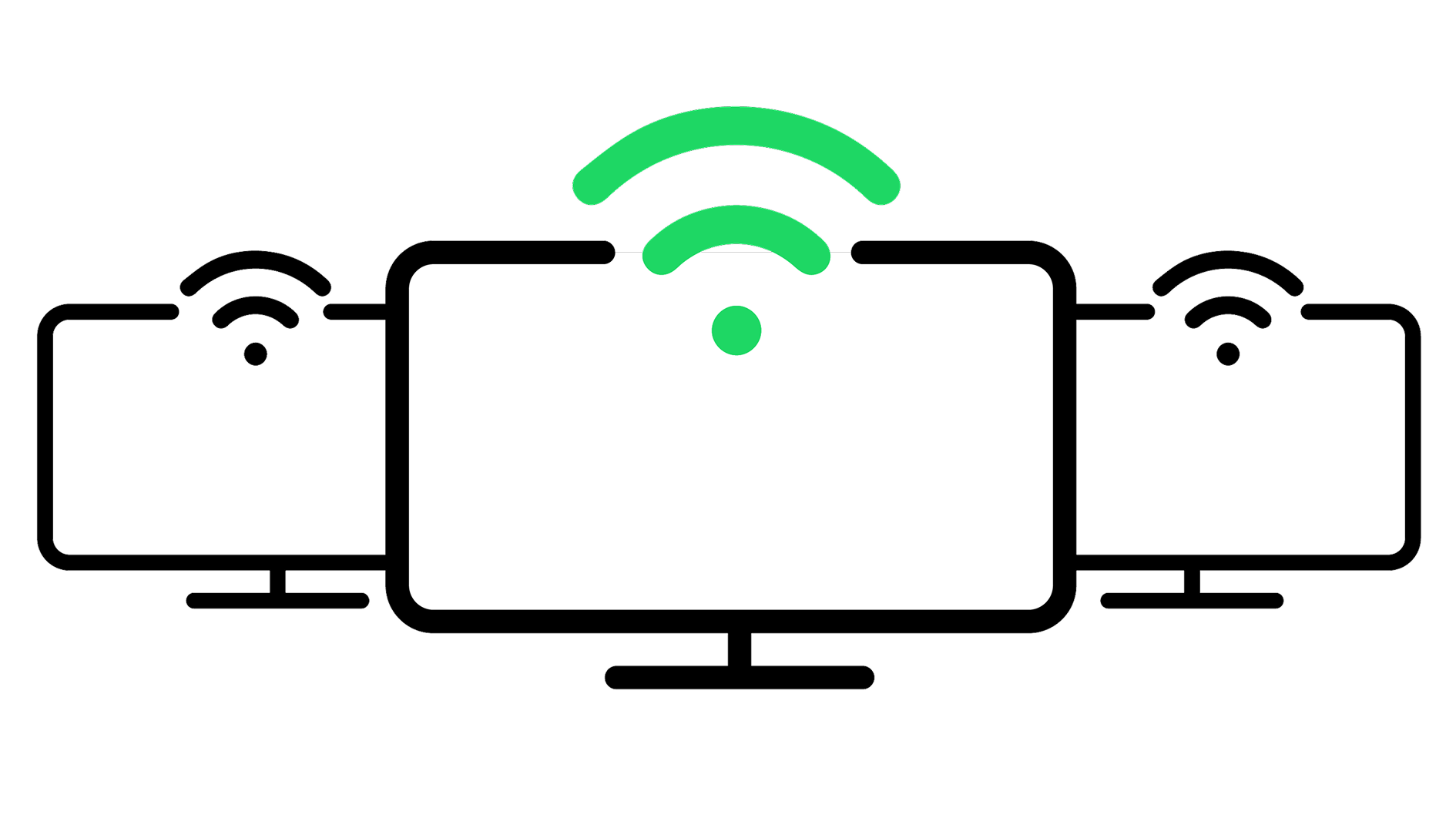
Stream Salt TV on up to 10 TVs
Whether it’s via the Salt TV Box, Apple TV, or directly on your Smart TV
Enjoy Salt TV directly on your Smart TV*
No box or additional remote needed: You can download Salt TV on your TV! Compatible with Samsung, LG, and Android TV.

Take Salt TV with you
No breaks - continue to enjoy your Salt TV even when in other residences, houses or apartments.
Included with Salt Home+
or CHF 7.95/month with Salt Home
Termination at the end of the month, with 1 month notice
Frequently Asked Questions
Which TV models* are compatible?
We currently offer the Salt TV app on:
- Samsung TVs from 2019 and later using at least Tizen 5.0, link to FAQ Home
- LG TV sets from 2018 and later using webOS 3.x or higher
- Android TV's running Android TV 9 or later (e.g. Sony and Philips).
How to subscribe to the Multiroom option?
Activate the option by the method you prefer:
- If you have a Samsung or LG smart TV: after installing the Salt TV app and launching it, select "TV Shop" from the main menu, then choose the "Multiroom" option. The service is activated immediately.
- From your Salt TV box, select "TV Shop" from the main menu, then choose the "Multiroom" option. The service is activated immediately.
- From your customer account. The activation of the service can take up to 48 hours.
How to use Salt TV on your smart TV?
Install and launch the "Salt TV" app on your smart TV.
Samsung :
- Press the "Home" button on your TV remote control.
- Select "APPS".
- Click on the search icon (magnifying glass) in the top right corner.
- Enter the name of the "Salt TV" app and select it.
- Click on "Install".
More information on the manufacturer's website.
LG :
- Press the "Home" button on your TV remote control.
- Select "APPS" from the list of applications.
- Click on the search icon (magnifying glass) in the top right corner.
- Enter the name of the "Salt TV" app and select it.
- Click on "Install".
More information on the manufacturer's website.
Use your Salt TV credentials to log in.
Use your Salt TV credentials to log in. Forgot your login details? Change them in your customer account

MySalt Account


Salt Stores

Phone Sales Support
Call us
Our sales experts will help you to find the best deal.
Mo-Fr 9-18 (toll free)
